Choose another region to see content specific to your location.
Region


The highest-impact opportunities are high-frequency, rule-based processes handled through email, manual data entry, and system switching. Power Automate addresses exactly these workflows.
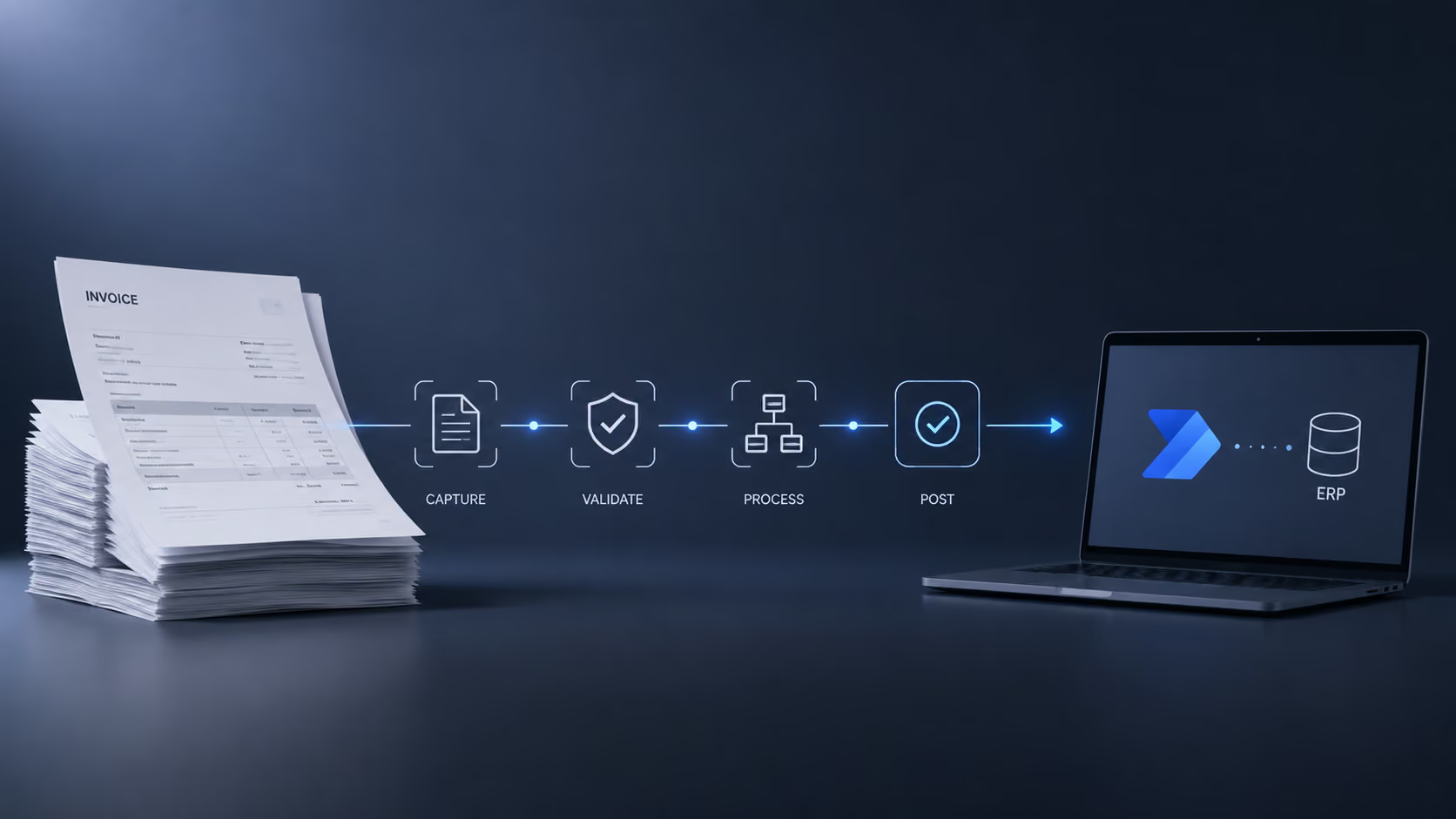
Automate invoices, delivery notes, and purchase orders, from capture through validation to ERP posting. Pairs with AI-OCR.

Replace multi-day email chains with workflows that route requests, send reminders, escalate overdue items, and log decisions.

Keep data consistent across Dynamics 365, SharePoint, Excel, and third-party systems, synchronized by events, schedules, or changes.

Send proactive alerts when specific conditions occur: low inventory, overdue payments, approaching deadlines, or approvals requiring action.

Automate onboarding, request handling, status updates, and communication for customers and vendors, improving response and coordination.

Drivers or back-office staff capture delivery notes by phone or scan.


Power Automate triggers Azure AI Document Intelligence to extract the relevant data.

Extracted data is validated against ERP records.
Exceptions are routed for review with all key details.
Confirmed records are posted to the ERP with a single confirmation.
From triggers to actions, Power Automate connects your apps and data to automate work and drive results.
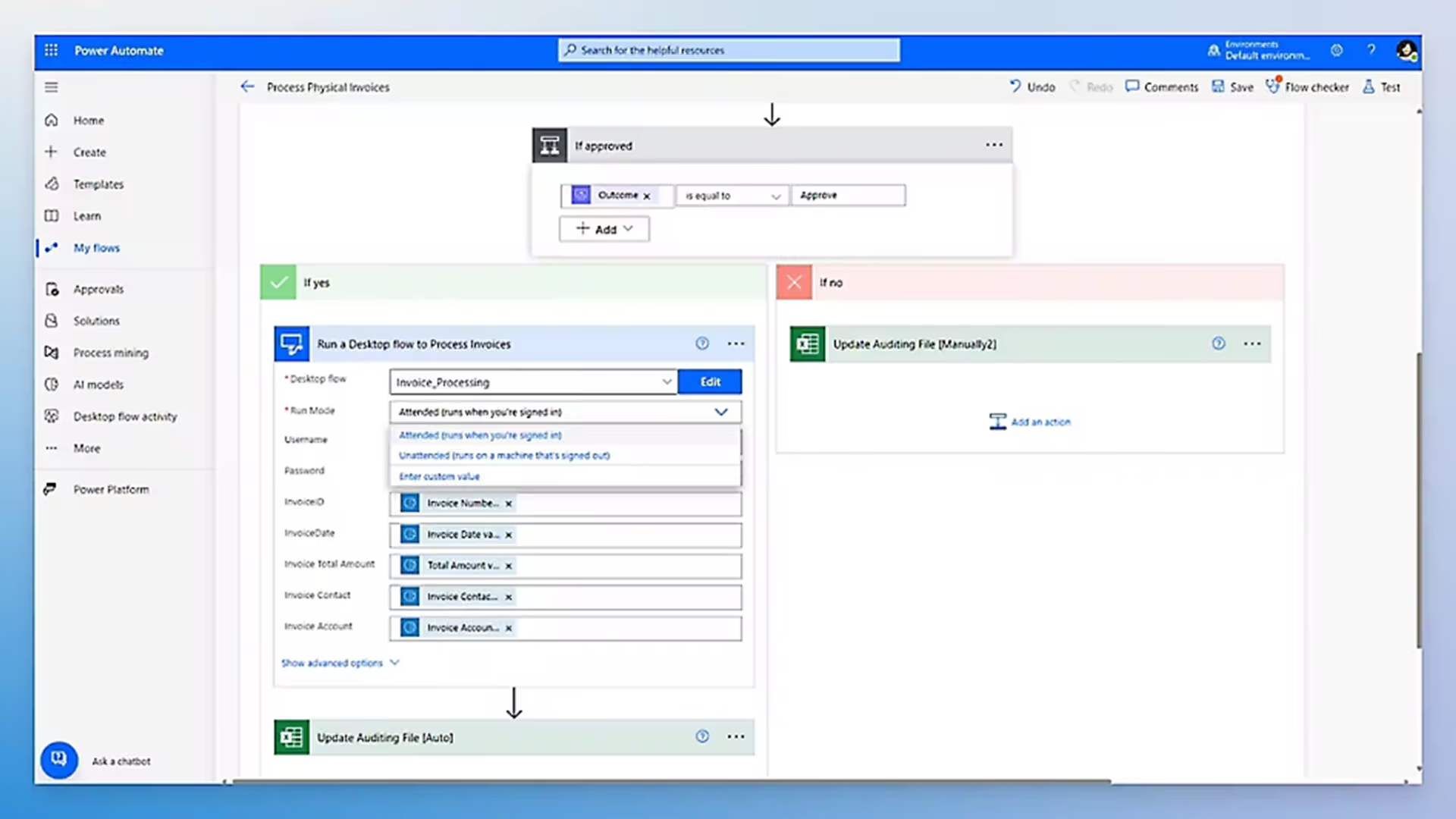
Automate processes between web services using APIs. Or handle legacy systems with Robotic Process Automation (RPA).
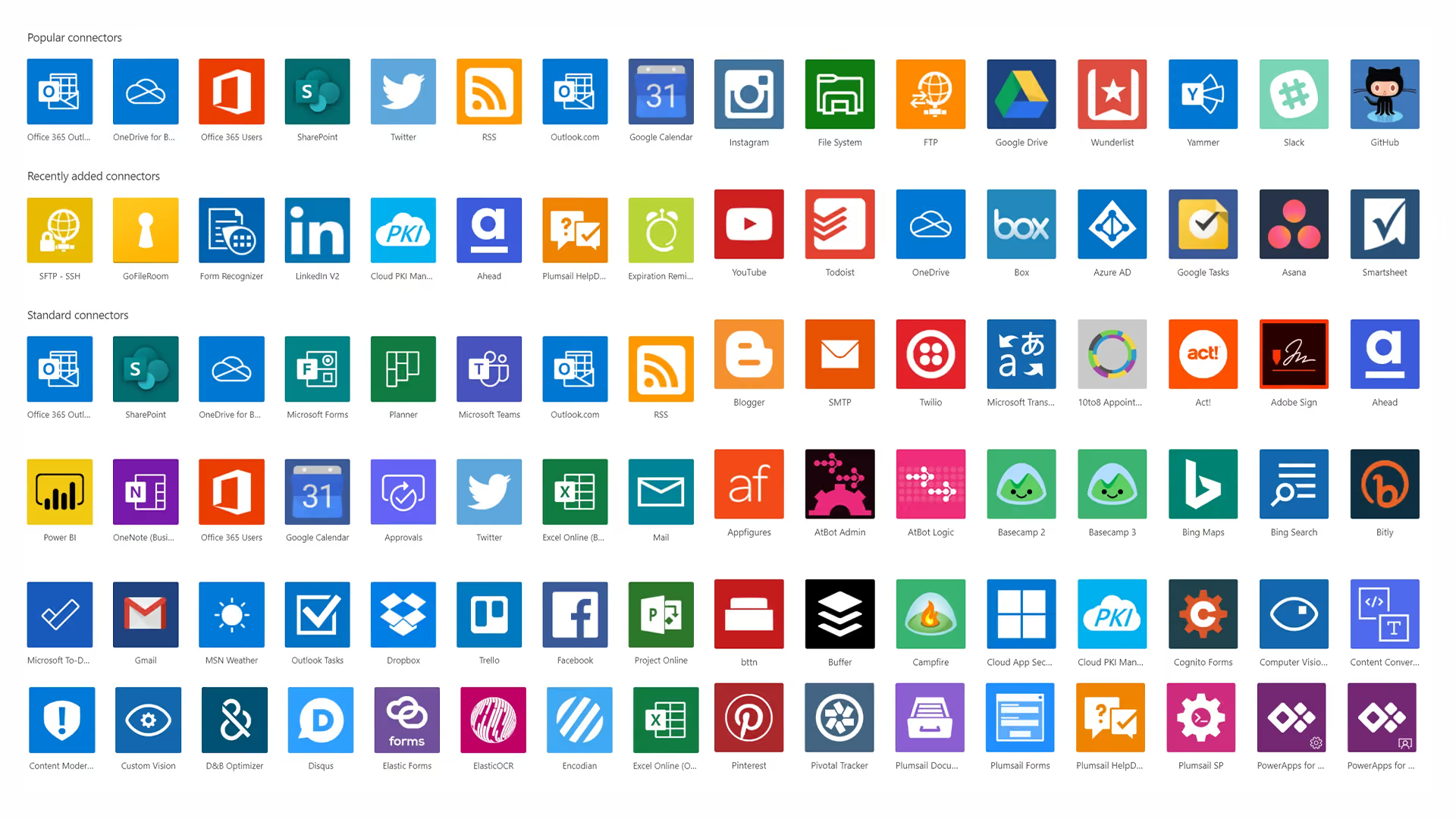
Pre-built connectors with no custom integration code required for most scenarios.
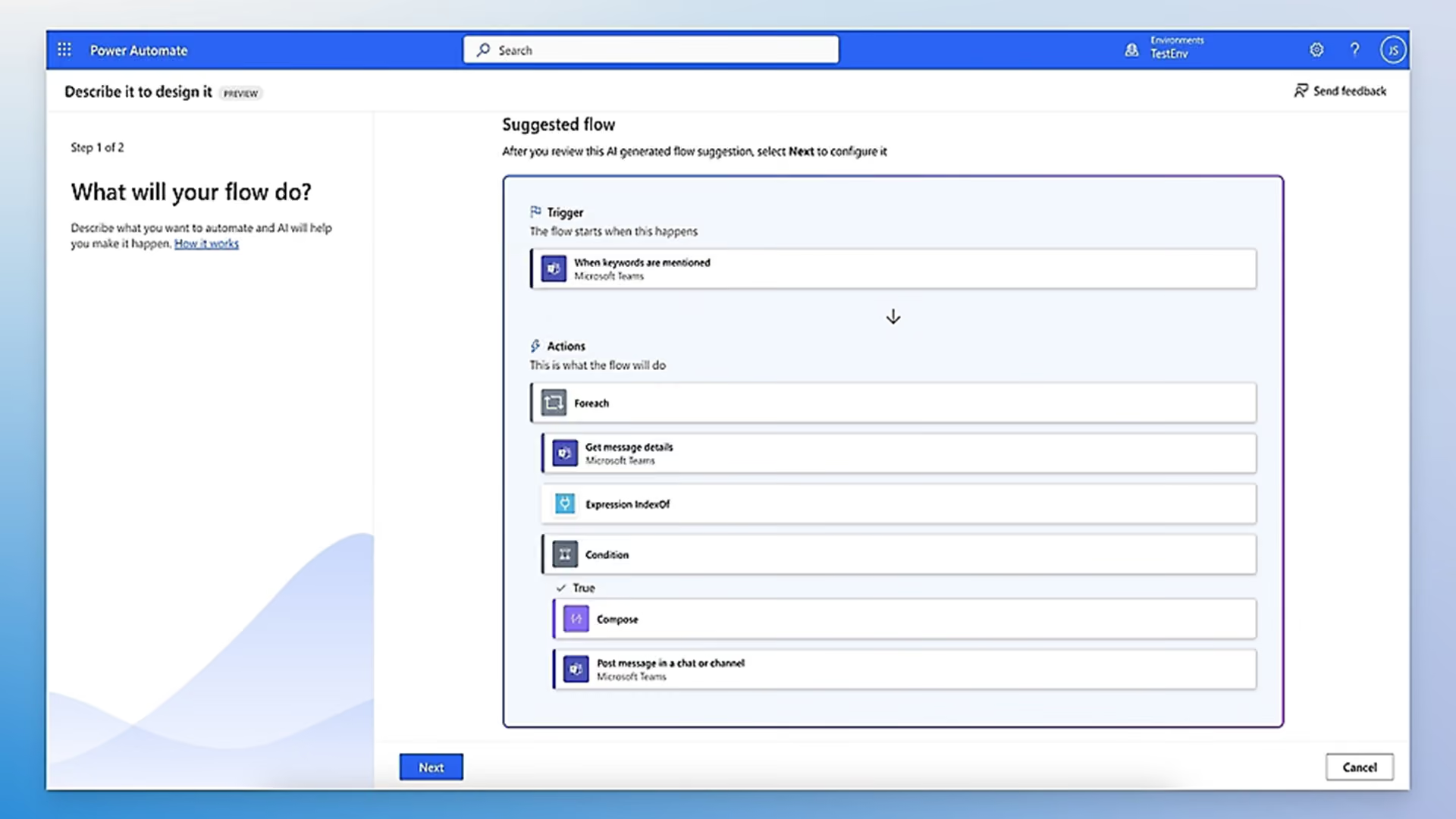
Flows can be triggered by specific events or a scheduled time, making automation reactive and timely.
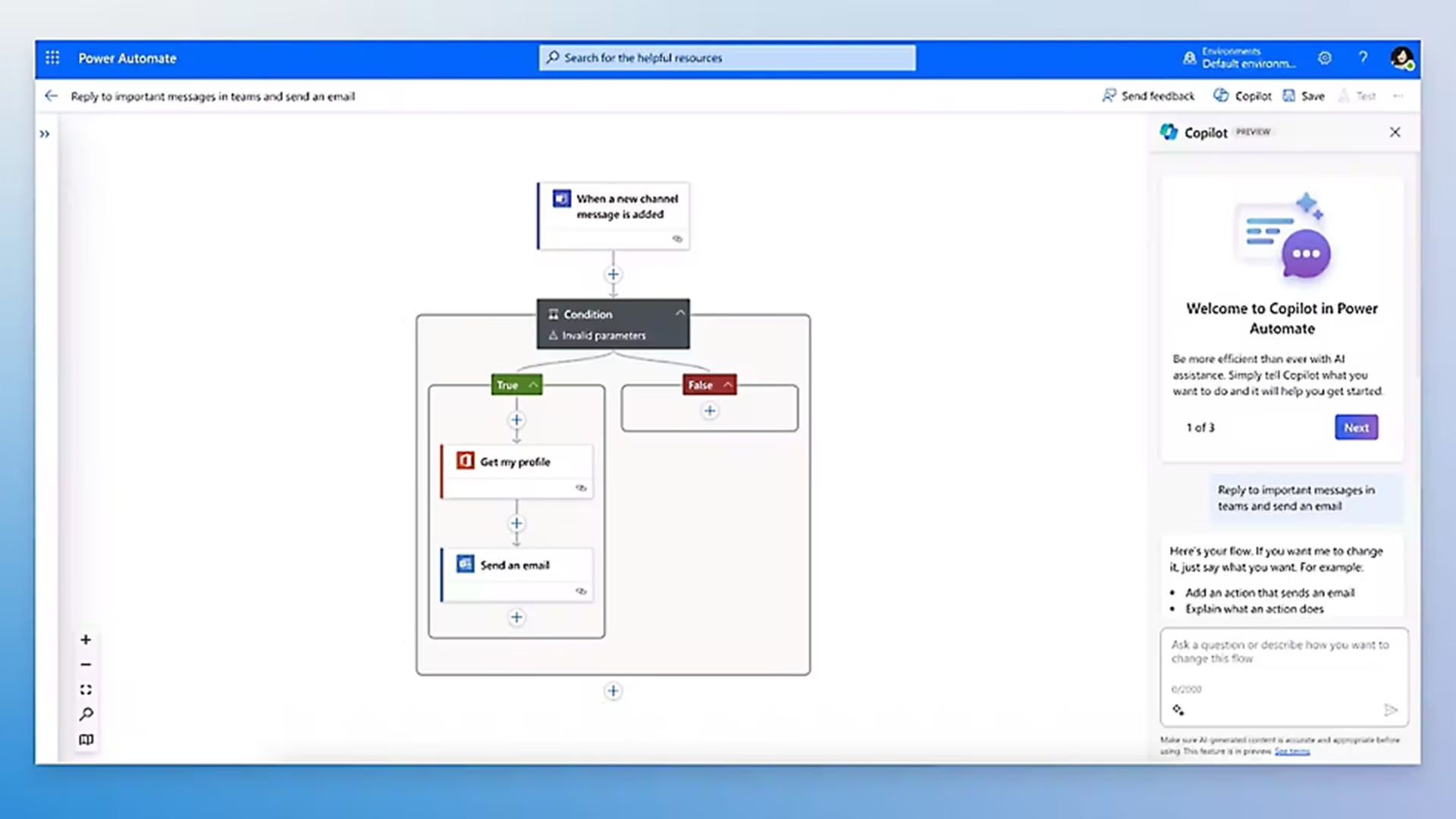
Describe the workflow you need in plain language and Copilot will draft the automation flow for you.
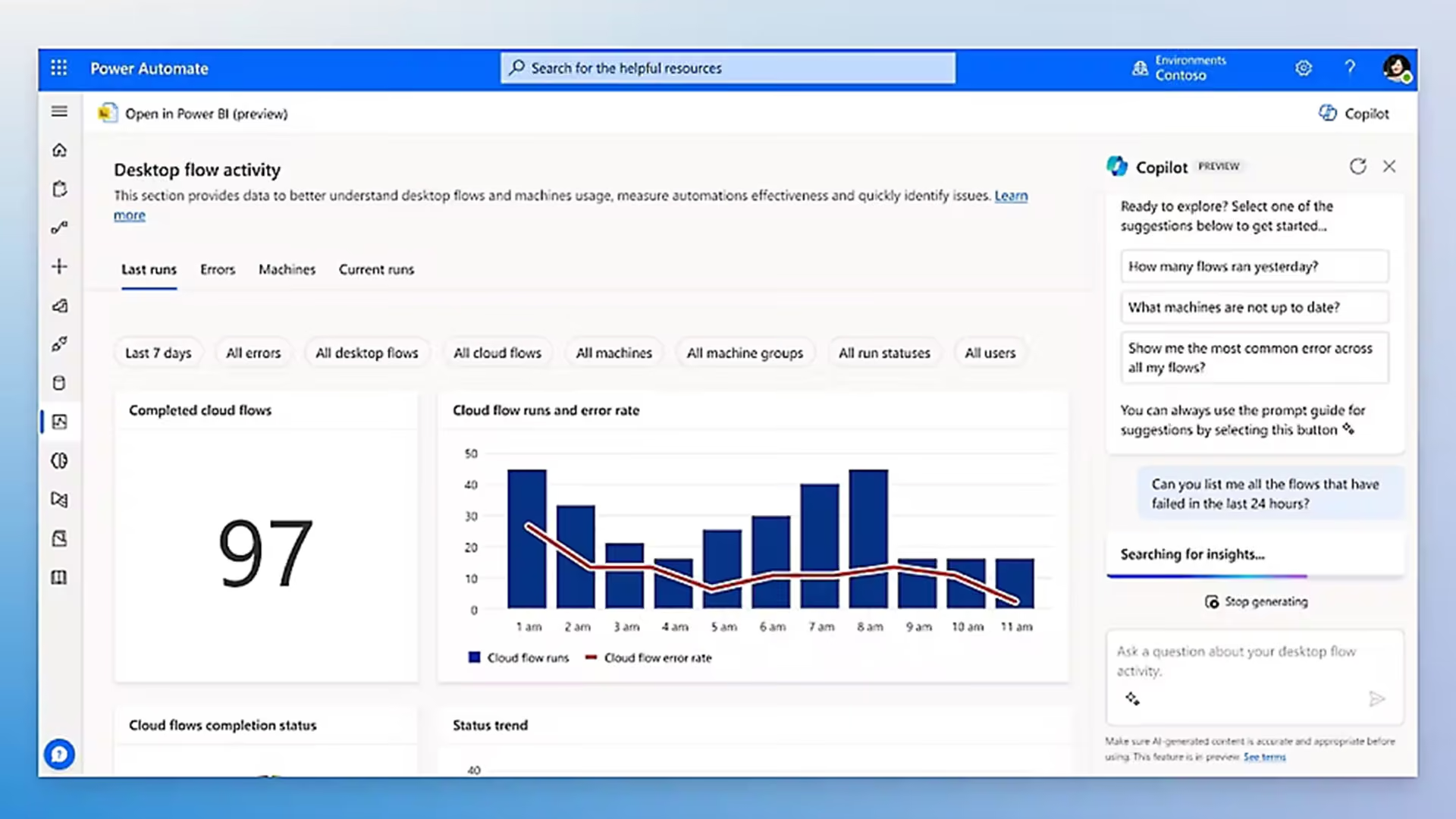
Built with data loss, audit logging, and role-based access, so automation scales without compliance risk.

Microsoft Power Automate is a cloud-based workflow automation platform that connects your business applications and services to automate repetitive tasks and multi-step processes. It supports both cloud-based automation between web services and desktop automation using Robotic Process Automation (RPA) for Windows applications, making it suitable for automating processes across virtually any system in your organization.
Custom integrations require software developers, significant upfront investment, and ongoing maintenance. Power Automate uses pre-built connectors and a visual workflow builder to create the same integrations in a fraction of the time and cost, without programming expertise. Flows are also easier to maintain and modify as business processes change, reducing long-term dependency on development resources.
Power Automate has pre-built connectors for Dynamics 365, Microsoft 365 (Outlook, Teams, SharePoint, Excel), SAP, Salesforce, and thousands of other third-party systems. For systems without native connectors, Power Automate supports HTTP/REST API integration and desktop flows using RPA, covering even legacy systems that lack modern APIs.
Yes. Power Automate is the automation engine that drives Tectura's AI-OCR document recognition solution. It orchestrates the end-to-end workflow, from document capture through AI extraction, validation against ERP records, exception routing, and final posting. Combining Power Automate with Azure AI Document Intelligence gives organizations a complete, production-ready document automation solution.
Simple automation flows, such as approval notifications, data synchronization between two systems, or scheduled report distribution, can be built and deployed within 1 to 2 days. More complex multi-step workflows involving multiple systems, conditional logic, and exception handling typically take 1 to 2 weeks. Tectura will scope the right approach based on your specific process requirements.