Choose another region to see content specific to your location.
Region


Connect to virtually any enterprise data source, ERP, CRM, databases, cloud services, SaaS platforms, and more, through standards-based connectors that require no custom code.
Access real-time data without ETL pipelines or scheduled syncs. Your tools always see the most current information from every connected source.
Native connectors for Dynamics 365 Sales, Business Central, Finance and Operations, Customer Service, and more, enabling live data access from any integrated tool.
Build automated data movement pipelines from any source to any destination, including data warehouses, data lakes, and analytics platforms.
CData Connect AI enables AI agents and large language models to securely access live enterprise data in real time, with the context and governance required for production use. This allows Tectura’s role-based AI agents to work with data from non-Dynamics sources, extending their capabilities beyond the Microsoft ecosystem.
Centralized access control, audit logging, and compliance-ready connectivity for enterprise environments with strict data governance requirements.
Point-and-click setup with standards-based ODBC, JDBC, and API interfaces, significantly reducing integration time compared to custom development.


Connect to virtually any enterprise data source, ERP, CRM, databases, cloud, and SaaS, with no custom code.
Access real-time data without ETL pipelines or scheduled syncs. Your tools always see the most current information.
Native connectors for Dynamics 365 Sales, Business Central, Finance & Operations, and Customer Service for live data.
Build automated data movement pipelines from any source to any destination: data warehouses, lakes, and analytics platforms.
CData Connect AI lets AI agents and LLMs securely access live enterprise data, beyond the Microsoft ecosystem.
Centralized access control, audit logging, and compliance-ready connectivity for enterprise environments with strict data governance requirements.
Point-and-click setup with standards-based ODBC, JDBC, and API interfaces, significantly reducing integration time versus custom development.

CData is an enterprise data connectivity platform that provides standards-based connectors for 350+ data sources, including ERP systems, CRM platforms, SaaS applications, databases, and cloud services. Its connectors enable live data access and integration across business intelligence tools, analytics platforms, and enterprise applications, without requiring custom development or complex ETL pipelines.
CData provides native connectors for Microsoft Dynamics 365, including Sales, Business Central, Finance & Operations, and Customer Service, enabling real-time data access from any analytics or integration tool that supports ODBC, JDBC, or API standards.
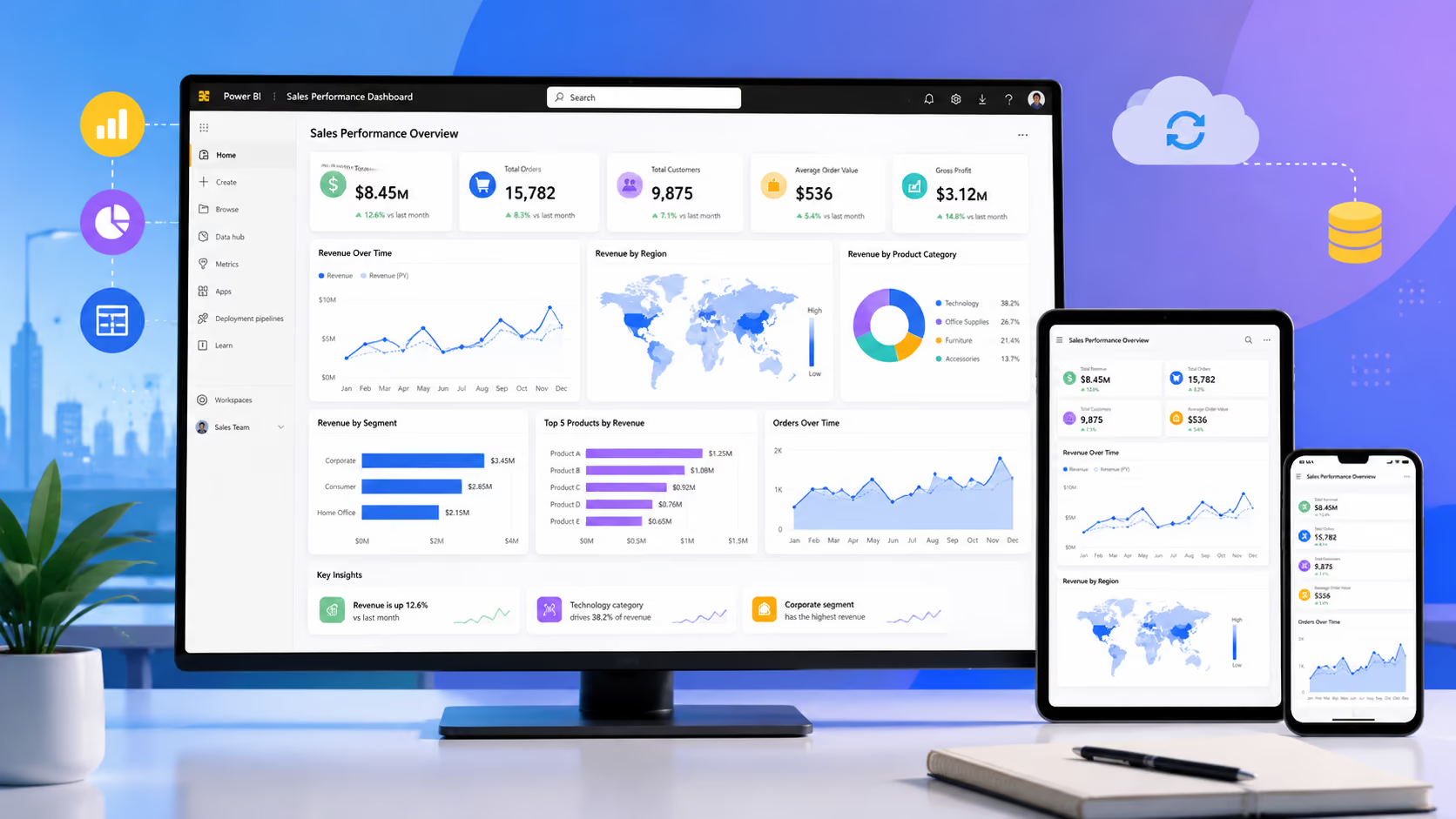
Power BI includes native connectors for many popular data sources. CData becomes valuable when you need to connect Power BI or other tools to data sources that lack native connectors, or when you need more granular control over data access, governance, and performance across a complex multi-source environment.
CData Connect AI is a managed platform that enables AI agents and large language models to access live enterprise data in real time. It provides AI-native connectivity so that AI-powered features and agents in your business applications can reason and act on current, accurate data from any connected source, with the context and governance controls required for production AI deployments.
CData's connectors work in the background, business users continue to interact with their familiar tools (Power BI, Excel, Dynamics 365) while CData handles data connectivity seamlessly. For data engineers and IT teams, CData provides point-and-click configuration through standards-based interfaces, significantly reducing development time compared to custom integrations.
CData provides centralized access control, role-based permissions, and audit logging across all connected data sources. For enterprise environments with compliance requirements, CData's governance features ensure that data access is controlled, traceable, and aligned with your organization's security policies.