Choose another region to see content specific to your location.
Region


Pull real-time data directly from Dynamics 365 Business Central into Excel, no manual exports, no copy-pasting, no waiting for an IT refresh.
Build and modify reports using Excel's familiar interface and Jet's intuitive drag-and-drop functions, accessible to any finance team member, not just developers.
Access a library of pre-built templates for P&L statements, balance sheets, AR/AP summaries, cash flow reports, and more, ready to use from day one.
Consolidate data across multiple companies or legal entities into a single report, ideal for group structures, holding companies, and multi-site businesses.
Navigate from summary reports directly to the underlying transactions in Business Central, giving finance teams the full detail they need for accurate reconciliation.
Schedule reports to refresh and distribute automatically on a daily, weekly, or monthly basis, eliminating repetitive manual tasks from your reporting cycle.
Ensure sensitive financial data is accessible only to the right people, maintaining compliance and data governance across your reporting environment.
Jet's AI-powered assistant helps users build, customize, and refine reports faster using natural language prompts, available in Jet Reports Online.


Pull real-time data from Business Central into Excel with no manual exports, no copy-pasting, and no waiting for an IT refresh.
Build and modify reports using Excel's familiar interface and Jet's drag-and-drop functions, accessible to any finance team member.
Access pre-built templates for P&L, balance sheets, AR/AP summaries, and cash flow reports, ready from day one.
Consolidate data across multiple companies or legal entities into one report, ideal for group and multi-site structures.
Navigate from summary reports directly to underlying transactions in Business Central, giving finance teams full reconciliation detail.
Schedule reports to refresh and distribute automatically, daily, weekly, or monthly, eliminating repetitive manual tasks.
Ensure sensitive financial data is accessible only to the right people, maintaining compliance and governance across reporting.
Jet's AI assistant helps users build, customize, and refine reports faster using natural language prompts.

Jet Reports is an Excel-based financial and business reporting solution built specifically for Microsoft Dynamics 365 Business Central, Dynamics NAV, and Dynamics GP. It connects Excel directly to live ERP data, enabling finance teams to create, automate, and share accurate reports without coding or manual data exports.
Business Central includes over 300 built-in reports, but they offer limited flexibility for customization and formatting. Jet Reports gives finance teams full control over report design, calculations, and layout, directly within Excel, while still pulling live, accurate data from Business Central. Teams can produce exactly the reports they need, in the format they prefer, without waiting for IT.
No. Jet Reports works within Excel, which most finance teams already use daily. The learning curve is minimal, users leverage existing Excel skills and Jet's intuitive functions to access and format their Business Central data. Tectura provides training to help your team get up to speed quickly.
Yes. Jet Reports supports consolidation across multiple companies or legal entities within a single report, making it well-suited for group structures, holding companies, and businesses operating across multiple locations or regions.
Jet Reports Online is a cloud-based version of Jet Reports designed for businesses using Dynamics 365 Business Central in the cloud. Released in early 2025, it integrates with both Excel Desktop and Excel Online, and includes AI Report Assist, an AI-powered tool that helps users build and refine reports using natural language prompts.
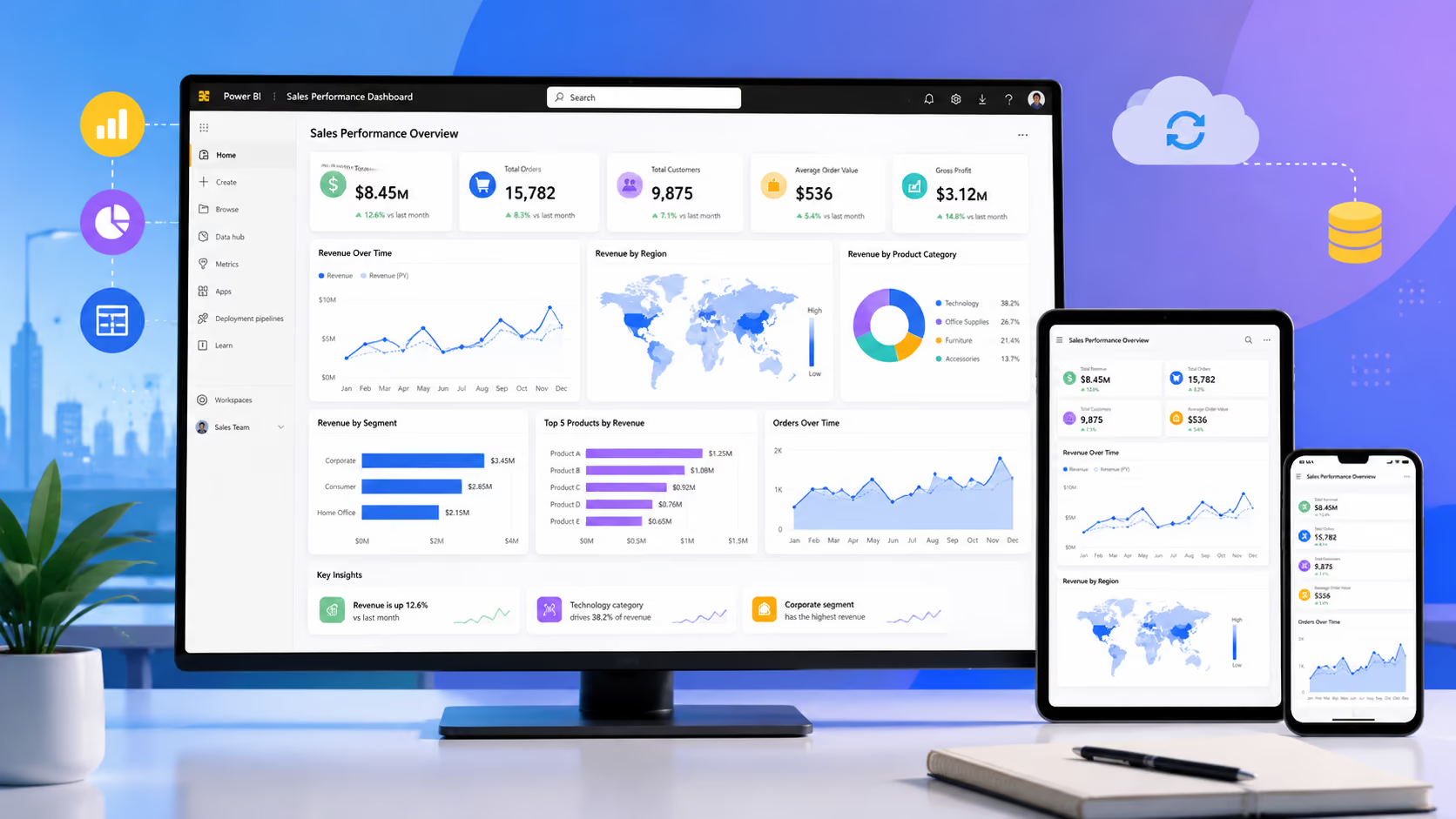
Jet Reports and Power BI serve different but complementary needs. Jet Reports excels at structured, formatted financial reporting, the detailed statements, variance analyses, and schedules that finance teams produce regularly in Excel. Power BI is better suited for interactive visual dashboards and broader operational analytics. Many organizations use both: Jet Reports for financial reporting and Power BI for management dashboards and cross-functional visibility.