Choose another region to see content specific to your location.
Region


Power BI's capabilities span three areas, from day-to-day decision support to team empowerment to enterprise-grade governance.
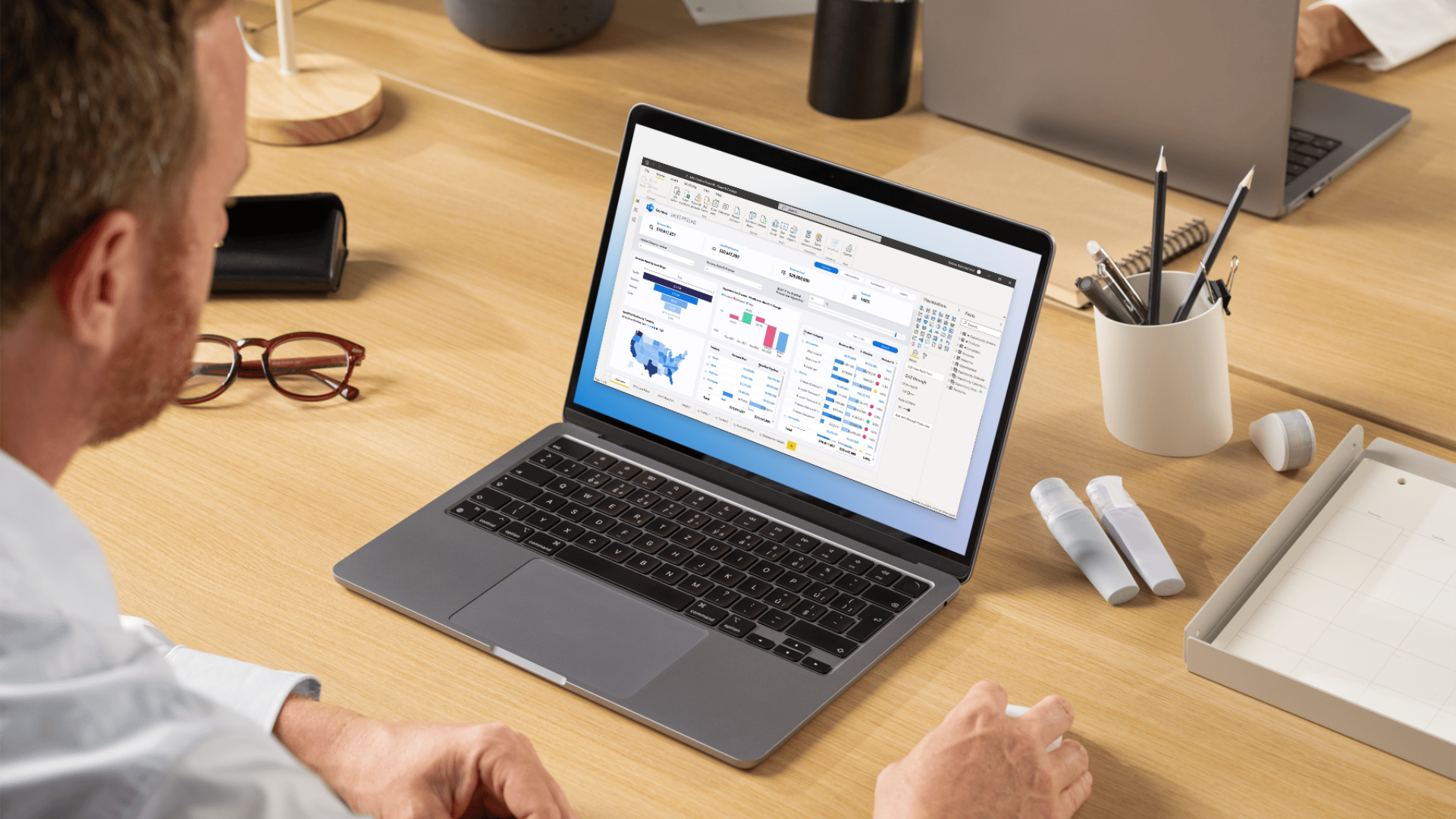
Visual dashboards that update automatically from live data, on desktop, mobile, and browser, no manual refresh.
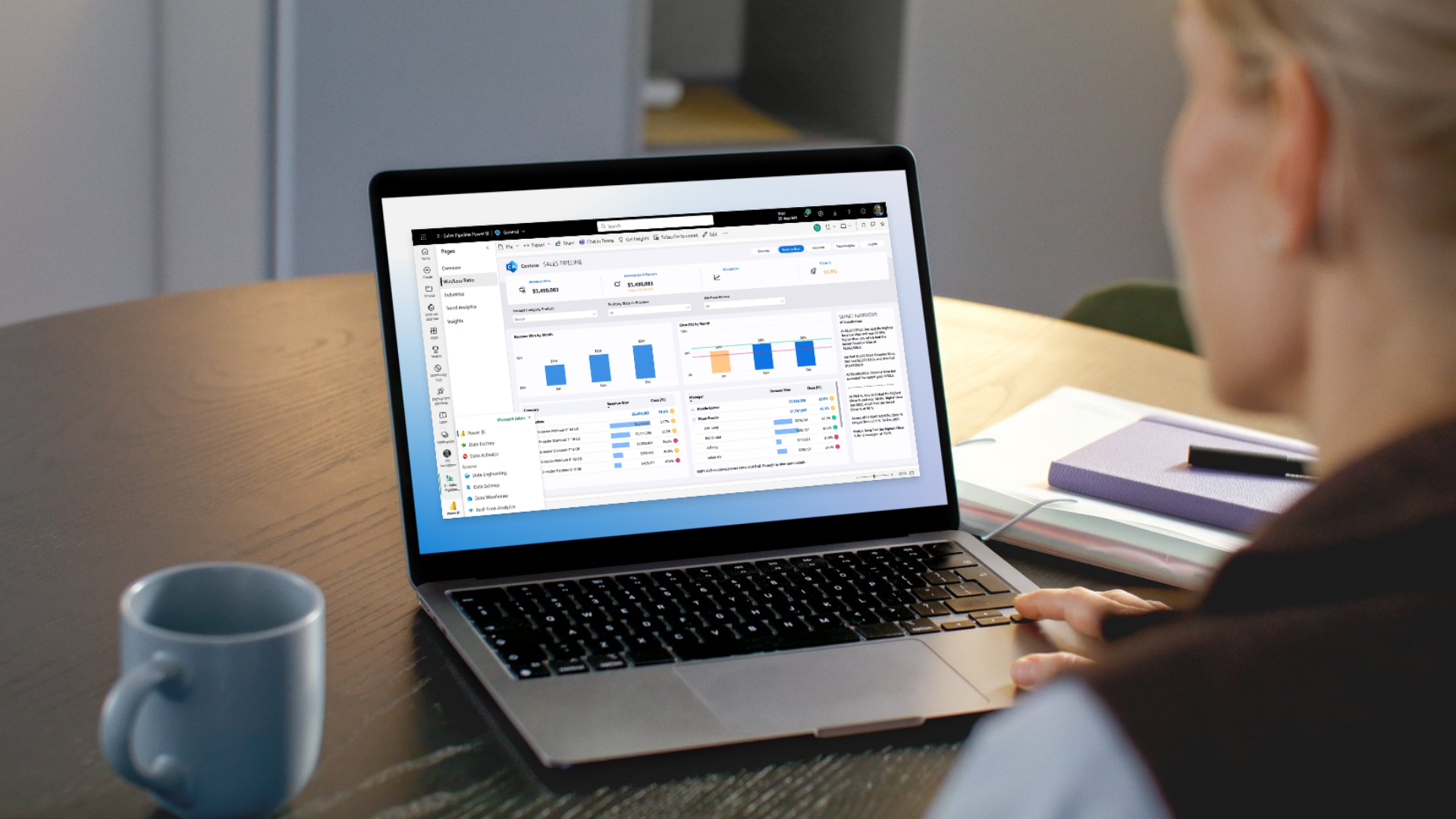
Monitor live performance across sales, finance, operations, and service in a single view, updated continuously.

Business users build, modify, and share their own reports without coding or IT, using drag-and-drop.

Use natural language to question your data, generate summaries, surface anomalies, and create reports, powered by Copilot.

Embed Power BI reports and dashboards directly into your applications, portals, and customer-facing tools.
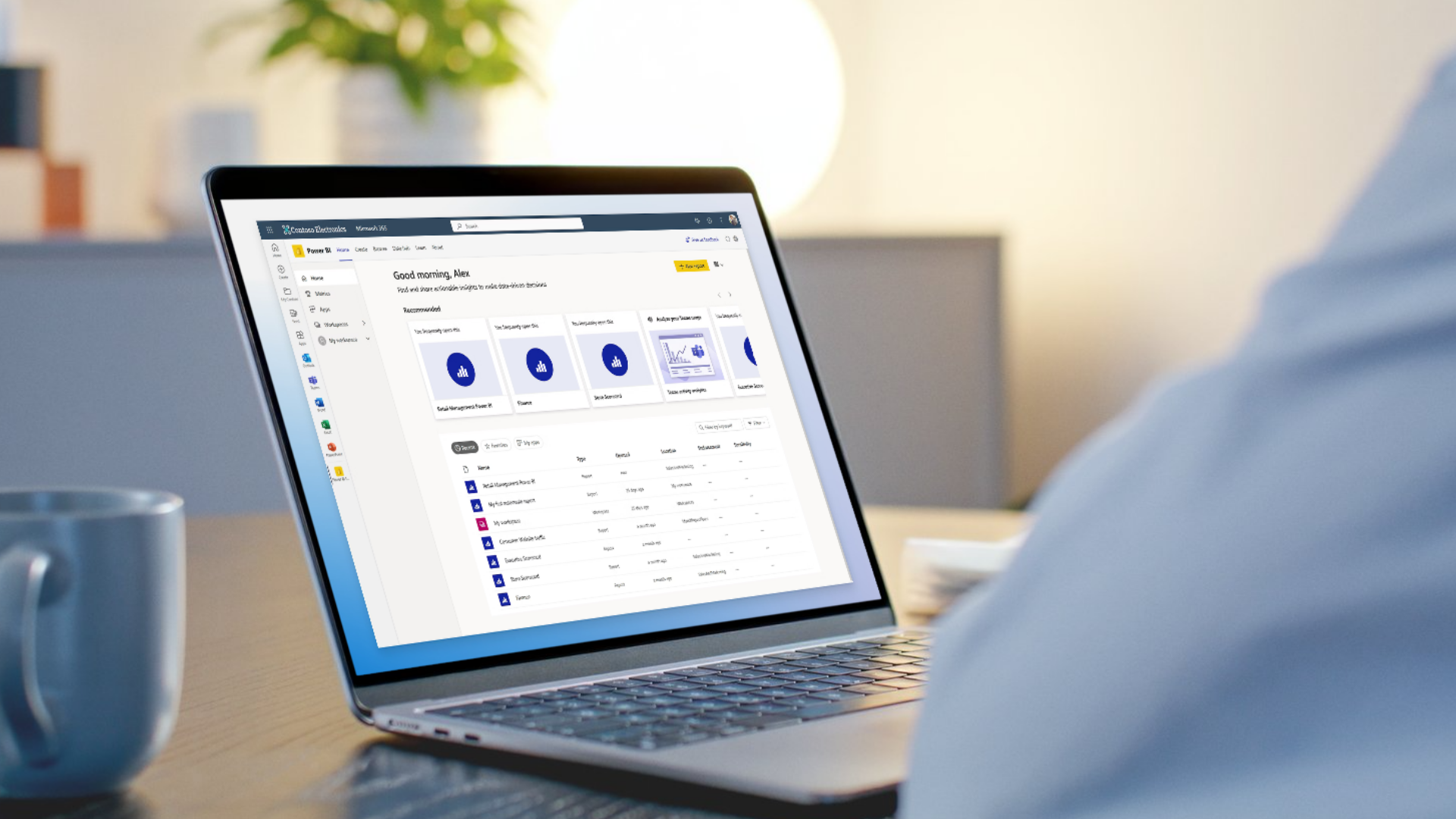
Connect natively to Dynamics 365, Excel, Teams, SharePoint, Azure, and Fabric, no custom connectors or manual transfers.

Apply row-level security, sensitivity labels, and Microsoft Purview governance so the right people see the right data.

Connect Power BI to Microsoft Fabric OneLake for import-mode performance with real-time consistency, no data movement.
Power BI offers a range of licensing options to match different team sizes, data volumes, and use cases. The table below provides an overview based on Microsoft's published licensing structure.


Microsoft Power BI is a cloud-based business analytics platform that enables organizations to connect to multiple data sources, transform raw data, and create interactive dashboards and reports. It is designed for both technical and non-technical users, and integrates natively with the full Microsoft 365 ecosystem including Dynamics 365, Teams, Excel, and Azure.
Power BI connects natively to Dynamics 365, including Business Central, Finance and Operations, Sales, and Customer Service, through built-in connectors. Reports always reflect live data from your ERP and CRM, with no manual exports or data duplication required.
Power BI Pro is a per-user license that enables report creation, sharing, and collaboration in the cloud, with scheduled data refreshes up to 8 times per day.
Power BI Premium provides dedicated capacity, supporting much higher performance and more frequent data refreshes (up to 48 times per day), along with larger model sizes, advanced AI capabilities, and the ability to share content with users who do not require individual Pro licenses.
Tectura can help you evaluate the right plan based on your data volume, refresh needs, and user access requirements.
Yes. Power BI supports hundreds of data connectors, including Salesforce, SAP, Google Analytics, Shopify, SQL databases, and many others, in addition to native Microsoft integrations.
Microsoft Copilot in Power BI allows users to create reports by describing what they need in plain language. Copilot identifies relevant tables, fields, measures, and chart types, then builds a report automatically. It can also generate written summaries of dashboard data and surface anomalies or trends without manual analysis.
Yes. Tectura's analytics team designs and builds custom Power BI dashboards and reports tailored to your specific industry, business processes, and KPIs. Whether you need a single executive dashboard or a comprehensive multi-department analytics environment, Tectura can scope and deliver the right solution.