Choose another region to see content specific to your location.
Region


Power Apps is most impactful where core systems leave gaps: processes too specific for standard ERP, but too important for spreadsheets or email.
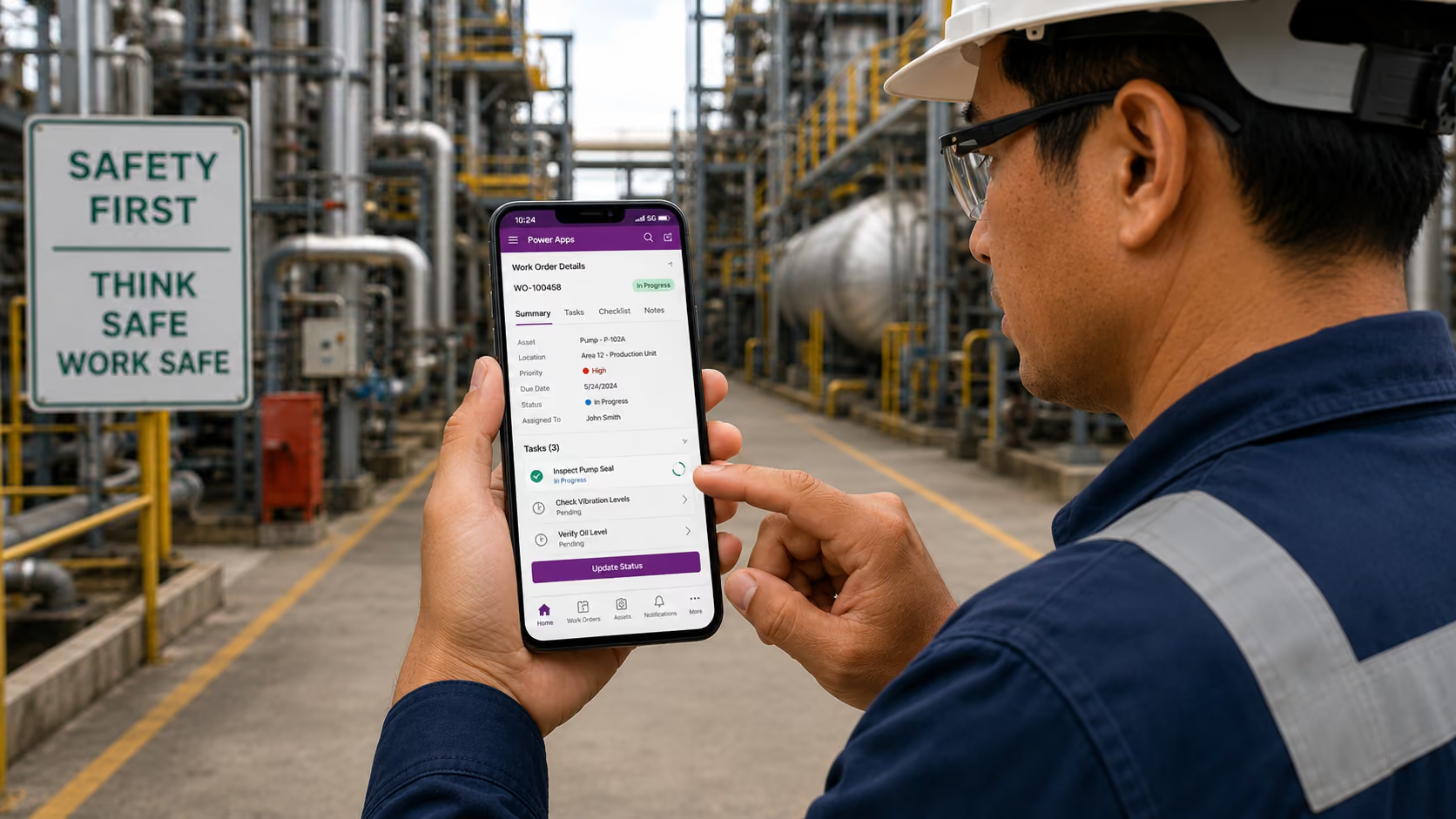
Give field teams mobile access to job details, forms, and checklists, synced live to your ERP.
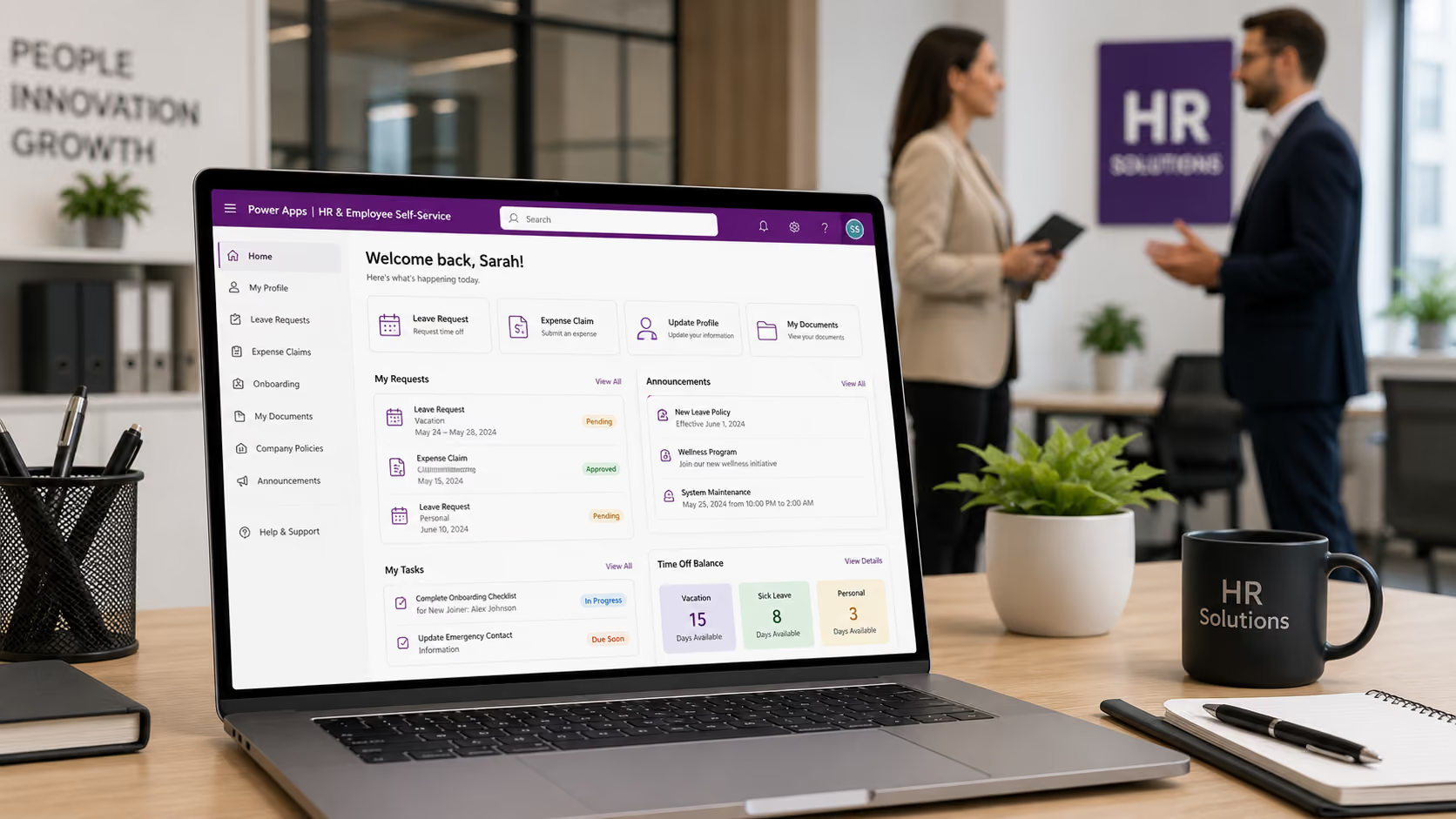
Build apps for leave requests, expense submissions, onboarding, and employee updates, reducing HR administrative overhead.
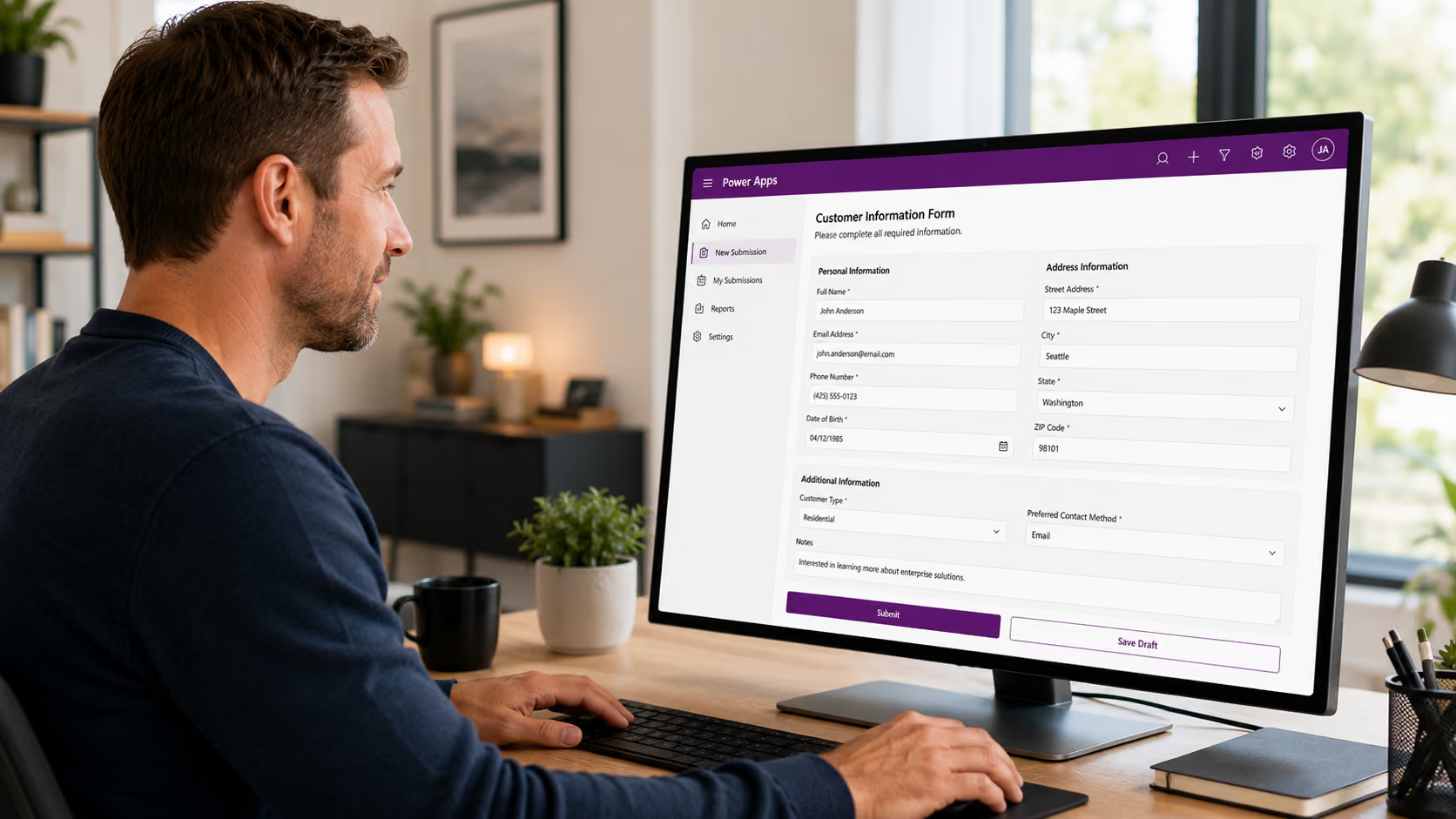
Replace paper forms and manual entry with validated digital forms that write directly to ERP or SharePoint.

Build self-service portals for customers and vendors to submit requests, check status, or onboard, linked to ERP.
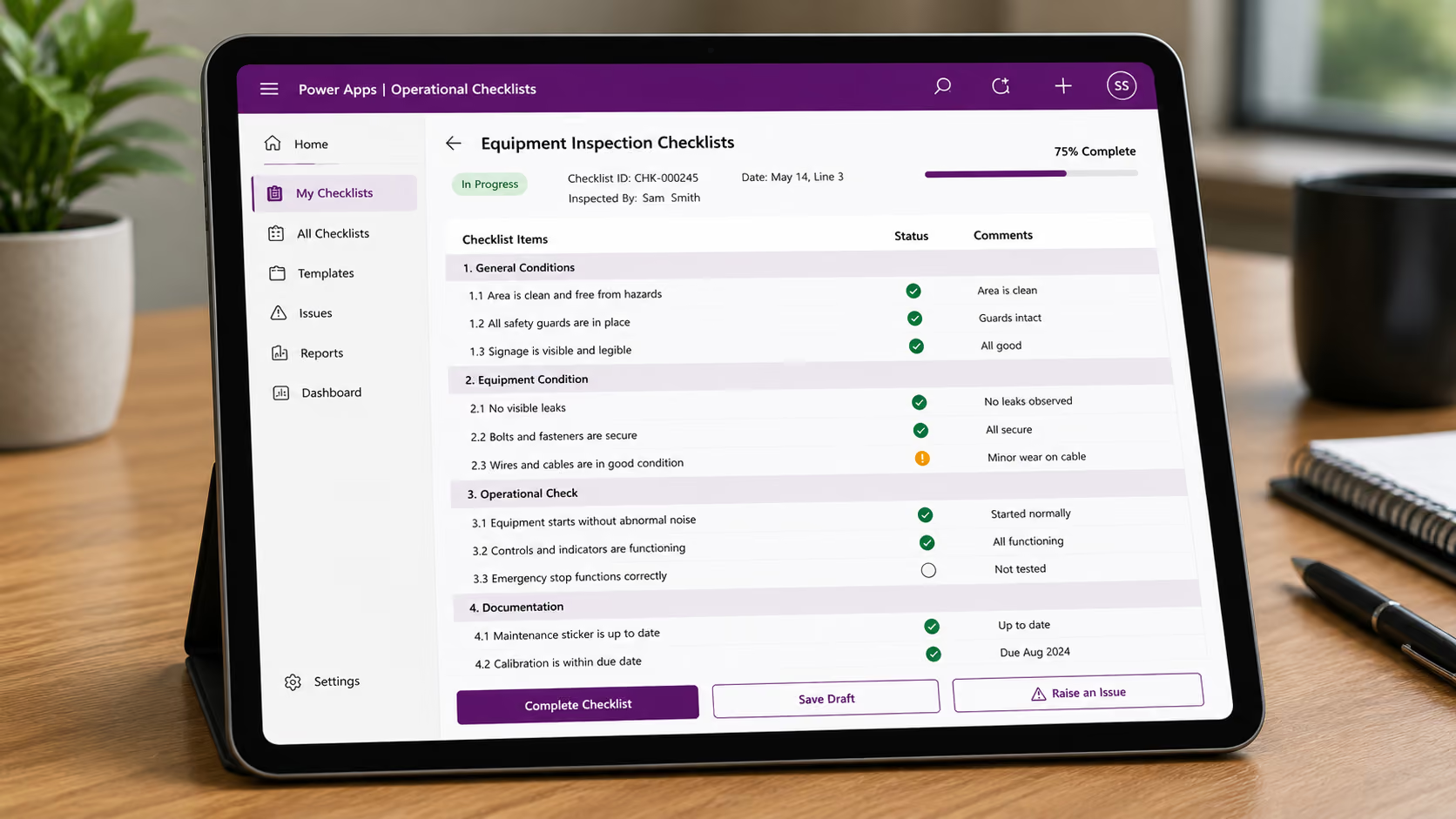
Digitize quality, compliance, and safety checklists, with structured data capture that feeds directly into reporting and analytics.
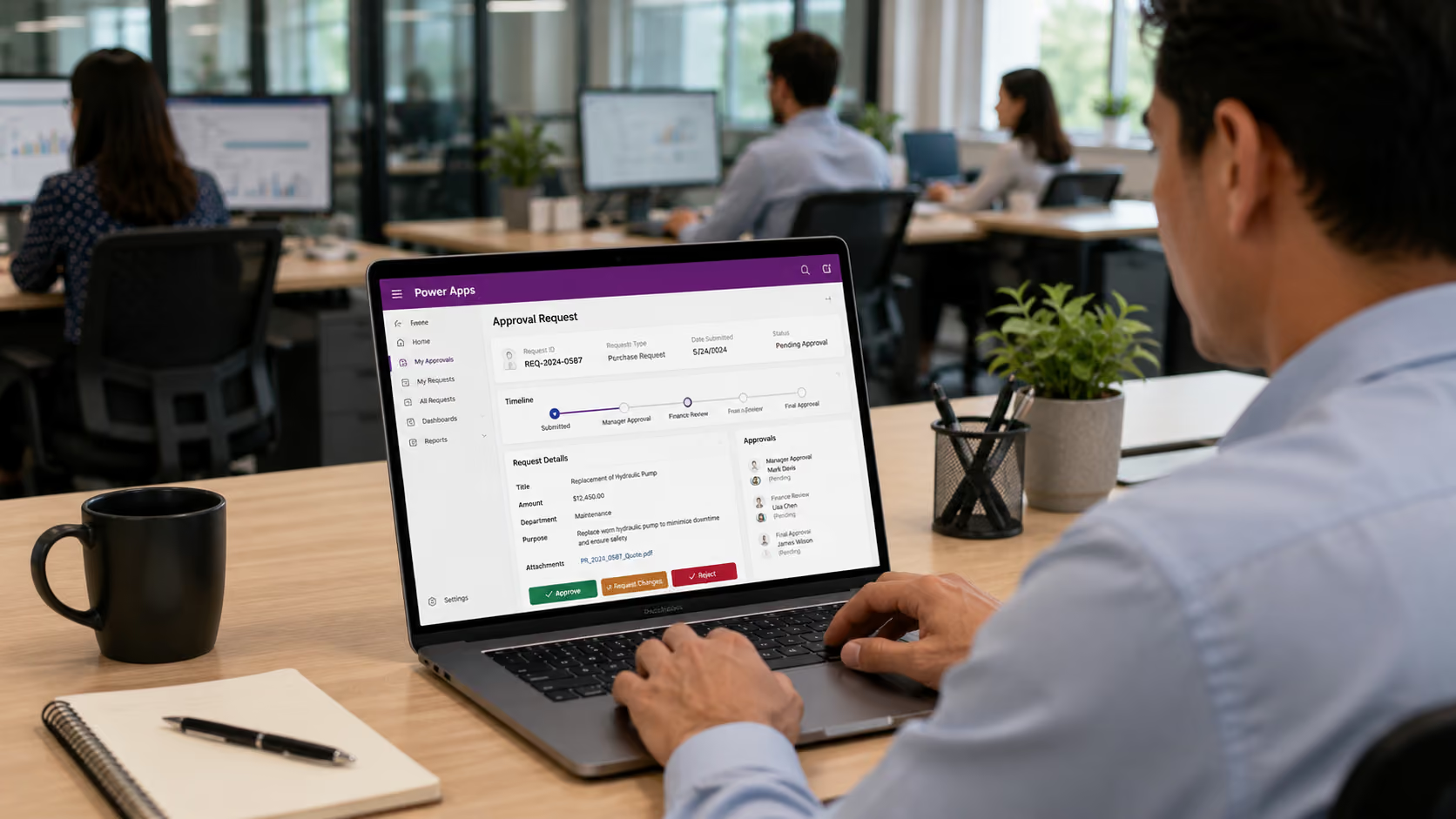
Replace email approval chains with structured apps that route requests, capture decisions, and update connected systems automatically.

Microsoft provides a low-code, drag-and-drop interface, allowing both business users and IT teams to contribute to app development.
Power Apps connects natively to your Dynamics 365 ERP, CRM, and other Microsoft data sources, with no custom connectors or API development required.
Connect to SharePoint, Excel, SQL databases, Teams, and hundreds of third-party systems through pre-built connectors, bringing all your data into a single app experience.
Apps run on any device, iOS, Android, and web browser, with offline capability for field teams who need to work in areas with limited connectivity.
Apps can be embedded directly in Teams, SharePoint, or accessed via Outlook, meeting users in the tools they already use every day.
Power Apps runs within your Microsoft 365 security and compliance framework, with role-based access, data loss prevention policies, and full audit logging.
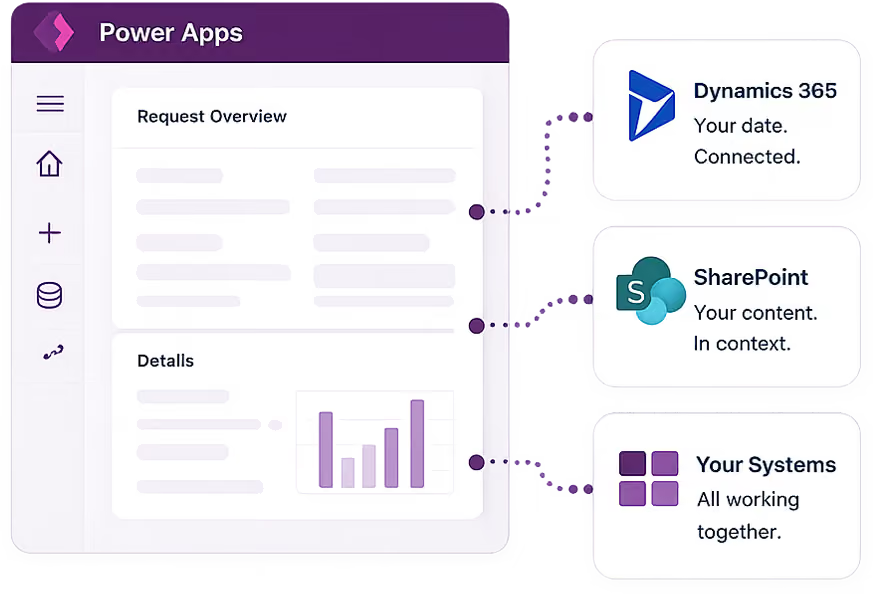

Microsoft Power Apps is a low-code application development platform that enables organizations to build custom business applications without traditional software development. Apps can connect to Dynamics 365, SharePoint, Excel, SQL, and hundreds of other data sources through pre-built connectors, and can be deployed on mobile devices, desktop browsers, or embedded directly within Microsoft Teams and SharePoint.
Power Apps is designed to be accessible to business users as well as IT teams. Its visual, drag-and-drop interface allows people without coding experience to build functional applications for their specific workflows. For more complex apps with advanced logic, integrations, or custom UI requirements, Tectura's Power Platform specialists will design and build the solution on your behalf, and then hand it over with documentation your team can maintain.
Power Apps connects natively to Dynamics 365 through Microsoft's Dataverse platform, which provides a shared data layer across the Microsoft ecosystem. This means apps you build in Power Apps can read from and write to your Dynamics 365 data in real time, without custom API development or data synchronization overhead.
Power Apps is designed to extend and complement your existing systems, not replace them. It is most valuable for building the custom applications that your ERP does not cover out of the box: field apps, approval workflows, operational checklists, and self-service portals. It works alongside Dynamics 365, SharePoint, and your other systems to fill those gaps efficiently.
Simple apps with standard functionality can be designed, built, tested, and deployed within 1 to 2 weeks. More complex apps involving multiple data sources, advanced business logic, or sophisticated UI design typically take 2 to 6 weeks. Tectura will scope the right timeline during an initial review of your requirements.