選擇其他地區以查看針對您所在地區的內容
地區


Pull real-time data directly from Dynamics 365 Business Central into Excel, no manual exports, no copy-pasting, no waiting for an IT refresh.
Build and modify reports using Excel's familiar interface and Jet's intuitive drag-and-drop functions, accessible to any finance team member, not just developers.
Access a library of pre-built templates for P&L statements, balance sheets, AR/AP summaries, cash flow reports, and more, ready to use from day one.
Consolidate data across multiple companies or legal entities into a single report, ideal for group structures, holding companies, and multi-site businesses.
Navigate from summary reports directly to the underlying transactions in Business Central, giving finance teams the full detail they need for accurate reconciliation.
Schedule reports to refresh and distribute automatically on a daily, weekly, or monthly basis, eliminating repetitive manual tasks from your reporting cycle.
Ensure sensitive financial data is accessible only to the right people, maintaining compliance and data governance across your reporting environment.
Jet's AI-powered assistant helps users build, customize, and refine reports faster using natural language prompts, available in Jet Reports Online.


直接讀取 Business Central 最新數據,毋須匯出檔案、複製貼上或等待 IT 團隊更新數據。
透過熟悉的 Excel 操作介面建立及修改報表,財務團隊毋須依賴 IT 部門。
可直接套用損益表(P&L)、資產負債表、應收/應付帳款摘要及現金流報表範本。
整合多間公司或不同營運單位數據,統一編製集團報表,適合集團企業及跨國企業。
可由報表數據追溯至 Business Central 相關交易紀錄,方便核對資料來源。
可按預設時間自動更新及發送報表,減少重複工作。
按職責設定存取權限,確保財務資料只供相關人員查閱,符合企業管治要求。
透過 AI 協助建立、調整及完善報表內容,提升報表製作效率。

Jet Reports 是專為 Microsoft Dynamics 365 Business Central、Dynamics NAV 及 Dynamics GP 而設的財務及管理報表方案。透過直接連接 ERP 資料,財務團隊可於熟悉的 Excel 環境建立、更新及分享報表,毋須編寫程式或手動匯出資料,同時確保報表內容準確可靠。
Business Central 內置超過 300 款標準報表,但在格式設定及內容設計方面相對有限。Jet Reports 則讓財務團隊直接利用 Excel 建立及管理報表,自行設定格式、計算方式及報表內容,同時直接讀取 Business Central 最新資料。團隊毋須依賴 IT 部門,即可建立符合實際需要的財務報表。
毋須。Jet Reports 建立於 Excel 之上,而 Excel 已是大部分財務團隊日常工作工具。用戶只需運用現有 Excel 知識及 Jet Reports 功能,便可快速建立及管理 Business Central 報表。Tectura 亦會提供培訓及支援,協助團隊更快投入使用。
支援。Jet Reports 可於單一報表內合併多間公司或不同業務實體資料,因此特別適合集團企業、控股公司、跨地區業務及多分公司營運架構,有助統一管理及編製集團財務報表。
Jet Reports Online 是 Jet Reports 雲端版本,專為採用 Dynamics 365 Business Central 雲端部署的企業而設。
Jet Reports Online 於 2025 年初推出,可同時配合 Excel Desktop 及 Excel Online 使用,並內置 AI Report Assist 功能,讓用戶透過自然語言建立及調整報表,加快報表製作流程。
Jet Reports 與 Power BI 針對不同業務需要,兩者可互相配合。
Jet Reports 特別適合編製格式化財務報表,例如損益表、資產負債表、差異分析報告、財務明細報表及定期管理報表。
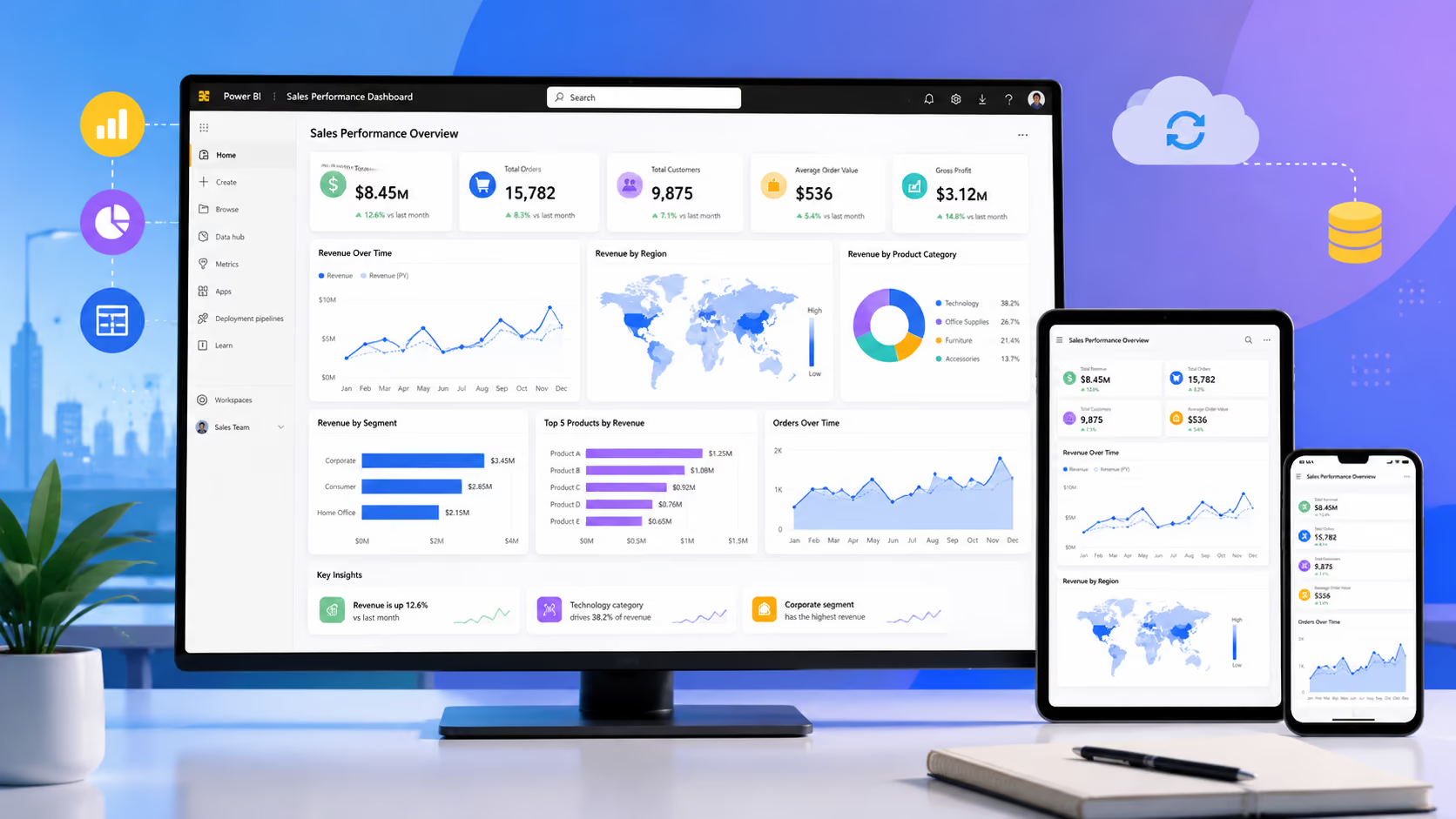
Power BI 則更適合管理層儀表板、營運分析、銷售表現分析、互動式報表及跨部門業務分析。
不少企業同時採用兩者,以 Jet Reports 處理財務報表工作,並利用 Power BI 掌握整體業務表現及管理資訊。